Capture
Grab a screen, window, region, full webpage or scrolling content without stitching screenshots together.

TechSmith Snagit
Snagit turns screenshots, scrolling captures and quick recordings into clear visual communication. Show the process, mark what matters and share it without writing another long explanation.
See Snagit at work
Snagit brings the whole visual-communication workflow into one place: capture what is on screen, add context, build a guide and share the result.
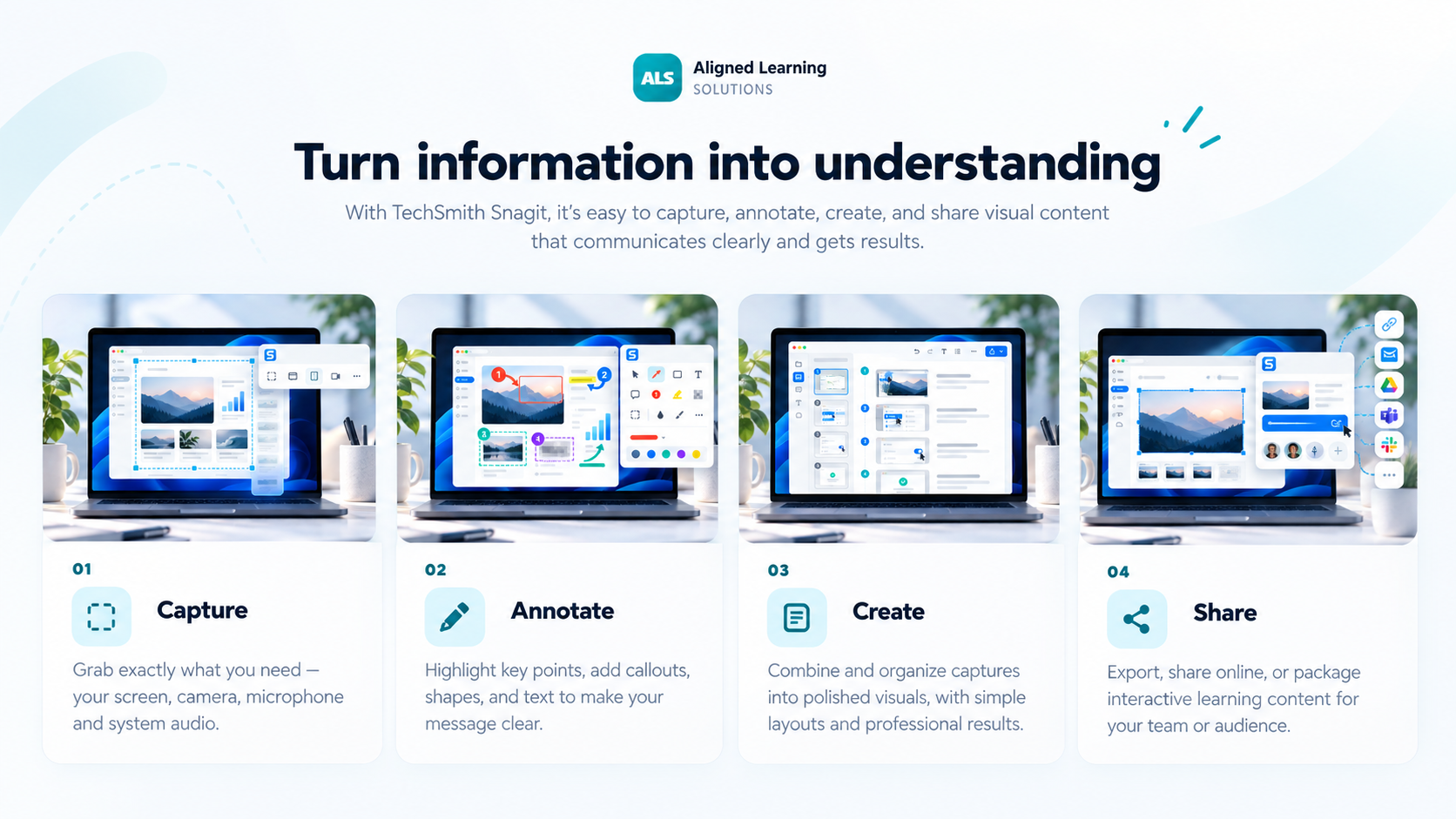
Grab a screen, window, region, full webpage or scrolling content without stitching screenshots together.
Add arrows, callouts, highlights, steps and text so the important part is immediately clear.
Turn a process into a reusable step-by-step guide for training, SOPs and support.
Send visuals into everyday apps, save them to your library or share with a link.
Four jobs Snagit does exceptionally well
Snagit is most valuable when visual communication can remove ambiguity, reduce back-and-forth and make a process easier to repeat.
Capture what matters, add context, turn it into a clear visual guide, then share it where people already work.
Automatically turns a process into a structured visual guide.
Helps hide sensitive information before sharing screenshots.
Captures long webpages and large content beyond the visible screen.
Records screen, webcam and audio for fast walkthroughs.
Simple, transparent pricing
For people who primarily need screen capture, visual documentation and quick communication.
Need multiple licences? Ask Mindlogik about team and organisation licensing across New Zealand and Australia.
Where Snagit fits best
Snagit or Camtasia?
Snagit is ideal for screenshots, guides and short walkthroughs. Camtasia Editor adds multitrack editing, deeper visual effects, structured video production and learning-ready output.
A connected workflow
That gives teams a simple path from quick documentation to a more polished training video when the content needs to go further.
Explore CamtasiaShow it instead of explaining it again
Start with a free trial, then come to Mindlogik if you want local help with team pricing, renewal planning or the right TechSmith buying path.