Windows 26 & Mac 26
Process mapping and BPMN shapes
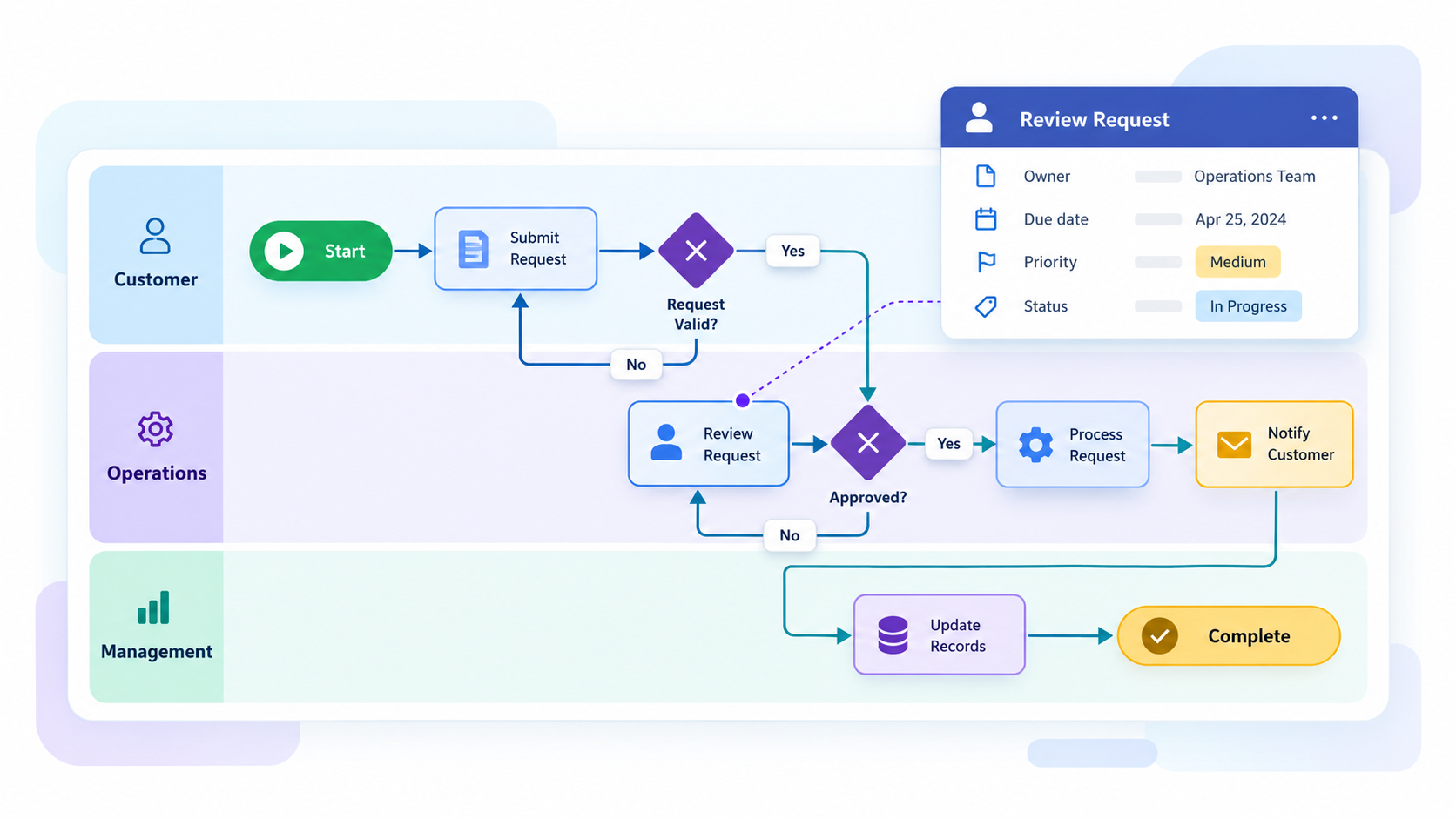
Create clearer workflows, decision paths and process documentation with new ready-to-use BPMN and process shape libraries.
Illustrative workflow graphic; not a MindManager 26 software screenshot.

Product family
MindManager helps people turn complex information into clear visual maps, diagrams, dashboards, project plans and workflows.
Mindlogik helps New Zealand and Australian customers choose the right MindManager purchase, quote, renewal and support path.

What's new in MindManager 26
Explore the practical enhancements in MindManager 26 for Windows and Mac. Features vary by platform, so each improvement is identified below.
Create clearer workflows, decision paths and process documentation with new ready-to-use BPMN and process shape libraries.
Illustrative workflow graphic; not a MindManager 26 software screenshot.
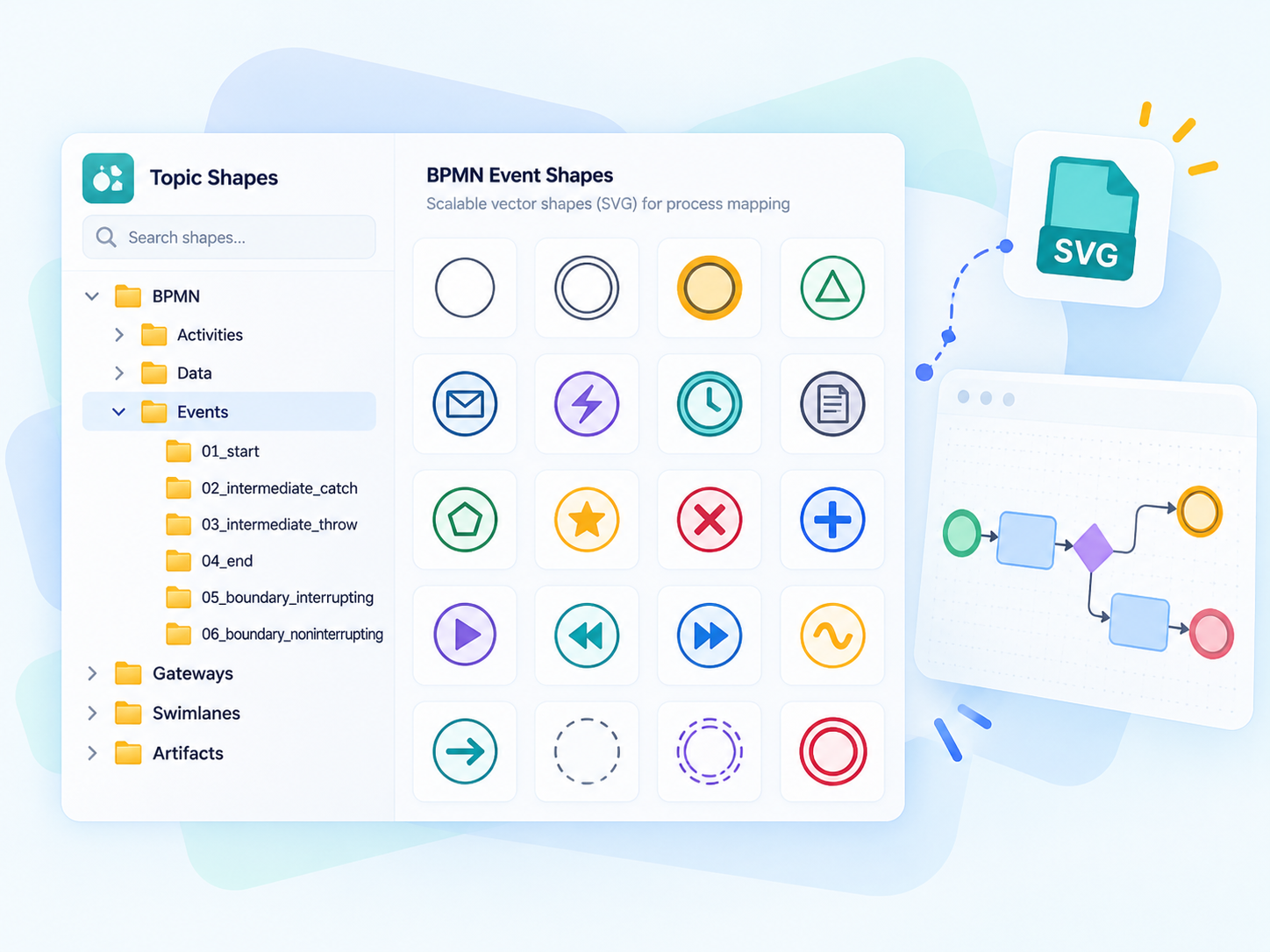
Import SVG artwork as topic shapes, topic images or backgrounds so diagrams can use crisp, scalable graphics.
Feature illustration based on BPMN shape libraries and SVG graphics; not a MindManager software screenshot.
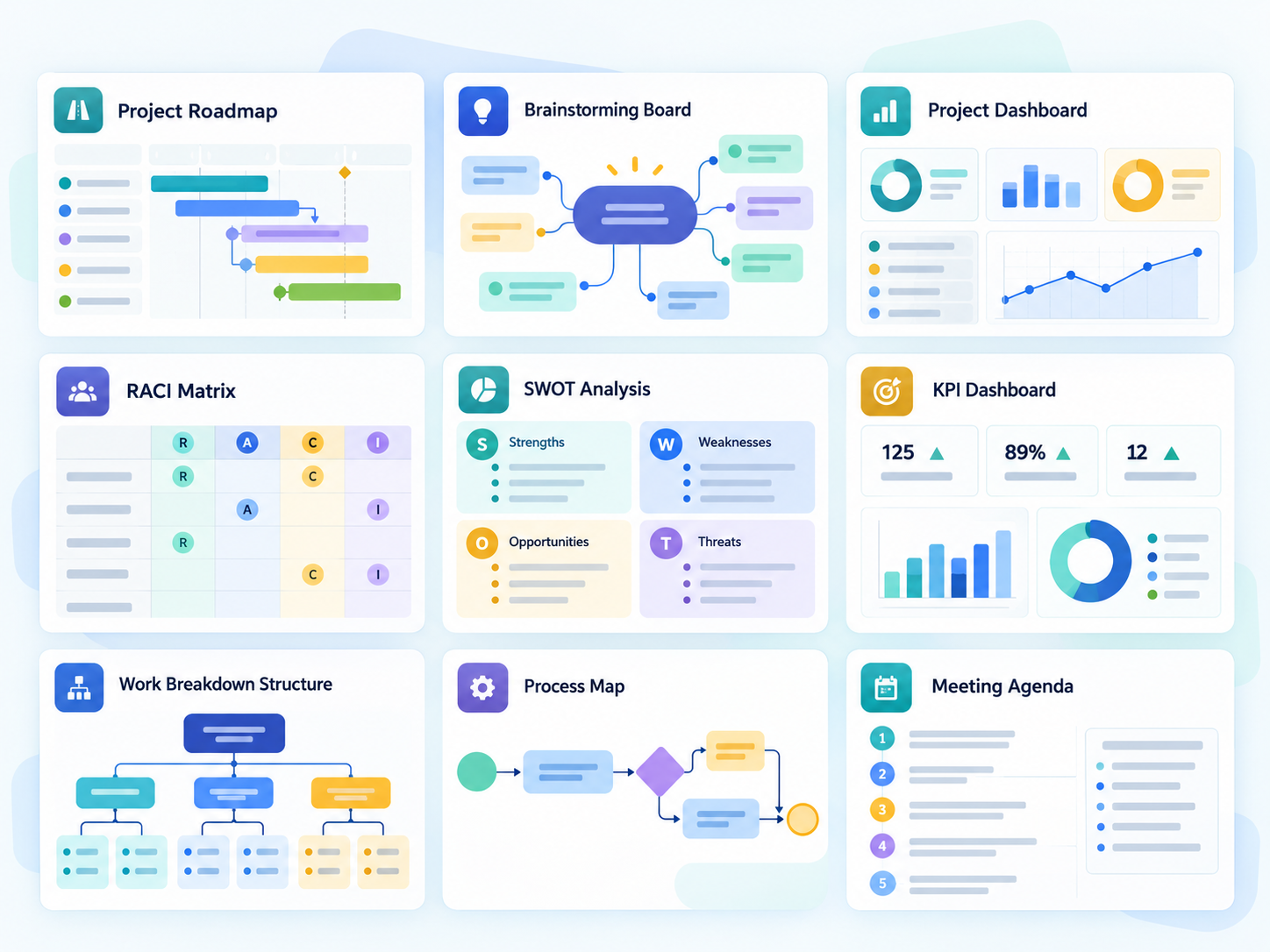
Plan roadmaps, stand-ups, brainstorming sessions, risks, responsibilities and dashboards using new ready-made templates.
Illustrative template overview; explore genuine MindManager template screenshots in the gallery below.
New in MindManager 26
Preview actual MindManager templates, captured from the application. Scroll to explore the collection.

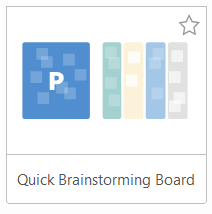
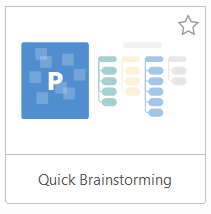
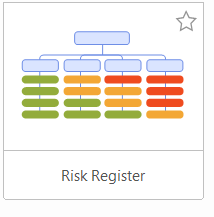
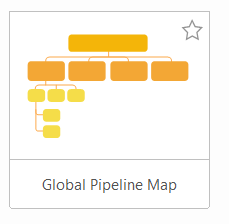
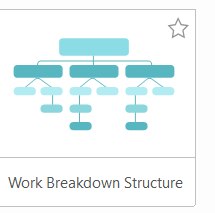

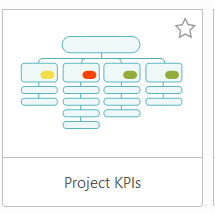
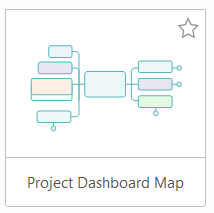
Ten of the eleven newly added templates are pictured. The Standup Meeting Template is also included in MindManager 26 but is not shown in these captures.
Getting started
Build a map from one of the ready-made layouts in MindManager 26.
Template names and availability can vary by installation and platform.
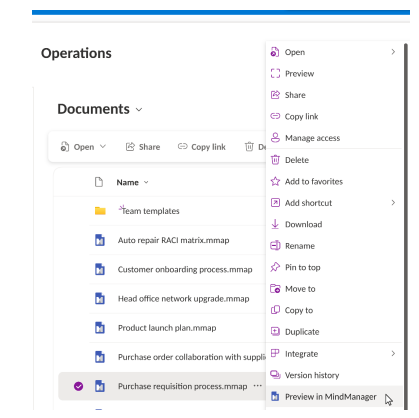
With the file handler installed by your Microsoft 365 administrator, colleagues can preview maps stored in SharePoint, OneDrive and Teams. Viewing is read-only; editing requires an eligible MindManager licence.
Teams can also use shared templates stored in OneDrive or SharePoint to keep recurring projects consistent.
View and filter information about who created or last changed topics. MindManager Mac 26 also supports macOS 27 Golden Gate.
All 11 new templates: Basic Roadmap · Whiteboard Roadmap · Standup Meeting · Quick Brainstorming · Quick Brainstorming Board · Risk Register · Global Pipeline Map · Work Breakdown Structure · RACI Matrix · Project KPIs · Project Dashboard Map
Feature information: official MindManager 26 Windows and Mac release notes. The BPMN workflow is an illustrative graphic. The BPMN/SVG and template overview panels are illustrative graphics; genuine template screenshots appear in the gallery.
What MindManager helps you do
MindManager is useful when work is too complex for a simple list, too early for a formal document, or too connected for a spreadsheet.
Capture scattered ideas, notes and requirements, then organise them into a clear visual structure.
Move from ideas into task maps, project plans, timelines, dashboards and Gantt-style views.
Explain complex work with flowcharts, stakeholder maps, process diagrams and presentation-ready visuals.
What you can create
MindManager can support individual productivity, team planning, project work, education, public-sector planning and knowledge management.
MindManager paths
Choose the route that matches how you are buying, renewing or managing MindManager.
For individual users who want the direct online subscription path.
Choose Purchase OptionFor teams, organisations and customers with five or more users.
Request Enterprise QuoteFor customers who want to extend MindManager Windows with Apps, templates, map parts and custom workflows.
View Add-insFor councils, agencies and public-sector procurement routes.
Government PricingFor academic, education, site and campus licensing enquiries.
Academic PricingFor existing customers who need renewal, account or user review before buying.
Start Health CheckAcademy, downloads, licensing help, templates and starter resources.
View ResourcesMindManager stays central
This structure allows Mindlogik to add TechSmith and other products later without forcing all products into the MindManager navigation.